
What Is Bangla QR and How Does It Work
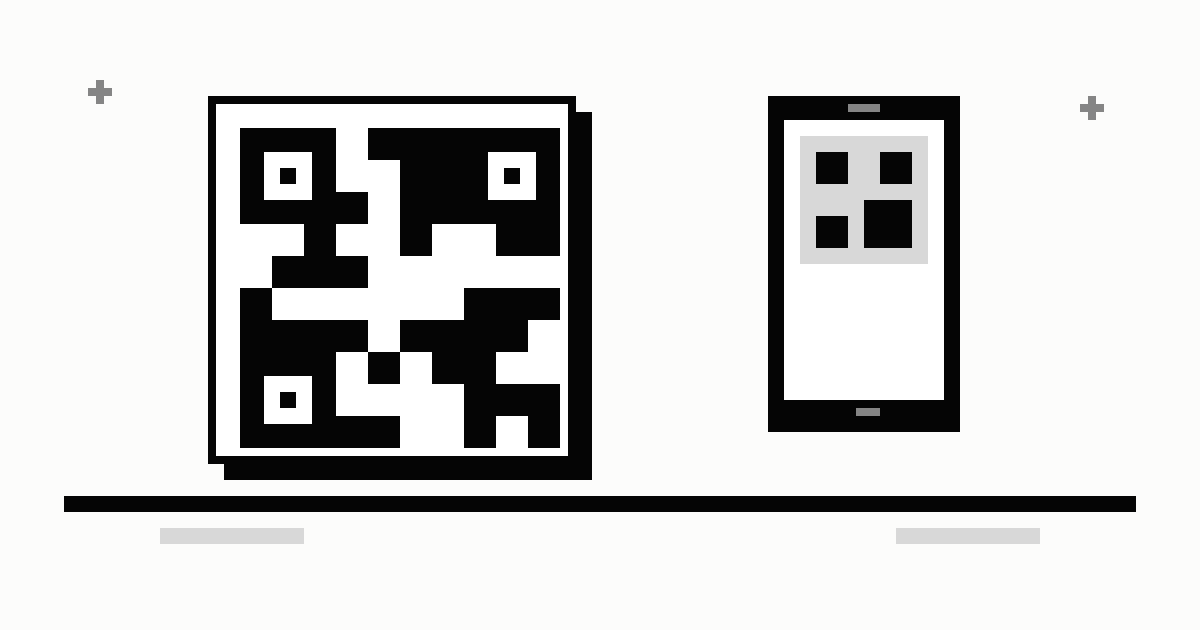
Bangla QR is Bangladesh's national QR payment standard, introduced by Bangladesh Bank. A shop shows one printed code, and a customer can scan it with any participating bank or MFS app — bKash, Nagad, Rocket, Upay or a bank app — to pay without cash. The money travels through the National Payment Switch (NPSB) straight into the merchant's bank or MFS account. Since 1 October 2026, merchant payments settle instantly, and neither the customer nor the merchant pays a charge on them.
What changed in 2026
Bangla QR changed more in 2026 than in any year since it launched. Three dates matter:
- 1 July 2026 — Bangla QR became mandatory at every shop. Banks, MFS providers and payment operators had to remove their own QR codes by 30 June, or face fines of up to ৳30 lakh. Merchants paid a minimum merchant discount rate of 1% — ৳10 per ৳1,000, plus 15% VAT, so ৳11.50 per ৳1,000.
- 10 August 2026 — Bangladesh Bank scrapped the 1% minimum and set the interchange fee to zero, so the cost of processing a Bangla QR payment stopped being charged between banks.
- 1 October 2026 — every Bangla QR merchant payment is credited instantly, whatever the amount, and there is no charge on a ৳1,000 payment for the customer or the merchant. Bangladesh Bank now pays the banks a small incentive instead: 0.10% to the acquiring institution and 0.20% to the issuing institution, on transactions up to ৳2,000.
- 1 November 2026 — person-to-person Bangla QR went live: scan a person's QR or upload a saved image of it to send money. If your app does not show the option yet, update it to the latest version.
By September 2026 about 39 lakh merchant points accepted Bangla QR, carrying about 3.5 lakh payments a day — and the volume had grown 3.5 times in 90 days.
What Bangla QR is
Bangla QR is not a new wallet or a new app. It is one shared standard that all banks and mobile wallets in Bangladesh follow, so a single code works with many different apps. Before Bangla QR, every provider had its own QR code: a bKash QR could only be scanned with the bKash app, a Rocket QR only with Rocket, and so on. Shops had to keep several codes on the counter, and customers had to find the one that matched their own app.
Bangladesh Bank introduced Bangla QR as a pilot in Motijheel, Dhaka, on 18 January 2023, building it on the global EMVCo standard used for QR payments around the world. From 1 July 2026 the central bank made it mandatory: banks, MFS providers and payment operators must replace their own QR codes with Bangla QR. Payments made this way are settled instantly through the National Payment Switch Bangladesh (NPSB), which moves the money from the customer's account to the merchant's account.
- One code for every app — a customer pays with whichever bank or wallet app they already use.
- No expensive machine needed — a printed code on the counter is enough, which is why small shops and street vendors can use it too.
- Money goes straight to the merchant — the payment is settled into the merchant's bank or MFS account through NPSB.
Which apps support it
Any bank or MFS app that has joined the Bangla QR standard can scan the same code. That includes the bKash, Nagad, Rocket and Upay apps, and the mobile banking apps of participating banks. If your app does not show a QR or Scan button yet, update it to the latest version — not every app has finished the switch.
- bKash, Nagad, Rocket and Upay — scan a Bangla QR from inside the app and pay from your wallet balance.
- Bank apps — for example CityTouch (City Bank) and EBL Skybanking — pay from your bank account instead of a wallet.
- Button phones cannot scan a QR code — you need a smartphone with a camera and the app installed.
How to pay with Bangla QR
Paying with Bangla QR takes less than a minute. The steps are the same in almost every app.
- Open your bank or MFS app and tap the QR or Scan button.
- Point your phone's camera at the shop's Bangla QR code.
- Check the merchant's name on the screen, and the amount. If the amount is already filled in, make sure it matches your bill. If the name looks wrong, do not pay.
- If the amount is blank, type in the amount you have to pay.
- Confirm with your PIN, then wait for the success screen and show it to the shopkeeper.
Since 1 November 2026, Bangla QR also works for sending money to a person: scan someone's personal Bangla QR code, check the name, and send the money — you no longer have to type their mobile or account number.
Keep your PIN and any OTP to yourself — no shopkeeper or caller should ever ask for them. And check that the printed code has not been covered by another sticker before you scan it.
For merchants: how to get a Bangla QR
A merchant gets a Bangla QR from their bank, MFS provider or a payment service provider. Apply with your business and account details, and the provider issues a code linked to your bank or MFS account. Print the code and display it at your counter — customers can then pay you from any participating app.
- One code accepts all apps — you no longer need a separate code for bKash, Nagad and your bank.
- Check every payment in your merchant app or account — do not hand over goods on a screenshot alone.
- Use a business or merchant account, not your personal wallet, so business money stays separate and easy to track.
Bangla QR is also becoming a condition for getting or renewing a trade licence, so merchants should arrange a code through their bank or provider in good time.
Sending money to a person
From 1 November 2026, banks, MFS providers and payment service providers have switched on person-to-person transfers through Bangla QR. Instead of typing a mobile or account number, you scan the person's Bangla QR code — or upload a saved image of it — check the name on the screen, and send.
The charge follows the same NPSB pricing as any wallet-to-wallet transfer: from an MFS, at most 0.85% (৳8.50 per ৳1,000); from a bank, at most 0.15%. A person-to-person transfer carries no merchant fee. The app shows the exact charge before you confirm, so check it there.
If your app has no QR option for sending money to a person yet, update it to the latest version — not every app has finished the switch. And always check the name on the screen before you send — a scanned code that belongs to the wrong person sends the money to the wrong person.
Fees and troubleshooting
Customers pay no extra charge for paying with Bangla QR — the amount you pay is the amount on your bill. Cashing out is different, though: your wallet's cash out charge still applies when you withdraw cash, so check it in our calculators before you do.
The merchant side changed twice in 2026. From 1 July 2026, merchants paid a minimum merchant discount rate of 1% — ৳10 per ৳1,000, plus 15% VAT, so ৳11.50 per ৳1,000. On 10 August 2026, Bangladesh Bank scrapped that minimum and set the interchange fee to zero. From 1 October 2026 there is no fixed merchant fee: the acquiring bank or MFS provider may charge a fee or waive it, and in practice the service is free or near-free for merchants now. Instead, Bangladesh Bank pays the banks a small incentive — 0.10% to the acquiring institution and 0.20% to the issuing institution — on transactions up to ৳2,000. Before you sign up, still ask your provider for its exact rate, because it is no longer fixed. And from 1 October 2026 every Bangla QR merchant payment is credited instantly, whatever the amount — before that, instant credit applied only to payments under ৳10 lakh.
- Code will not scan — wipe the camera lens, hold the phone steady in good light, and make sure no other sticker is pasted over the code.
- No scan button in your app — update the app to the latest version. If it still does not appear, your provider may still be rolling out Bangla QR support.
- Money left your wallet but the shop says it did not arrive — check the success screen and transaction ID in your app, and ask the merchant to check their account. If it is still missing, call your bank or wallet's helpline with the transaction ID.
- Wrong merchant name or amount on screen — do not confirm the payment. Ask the shop to check the code and try again.
- Bangla QR or NPSB is disabled on my account — some users report the service switched off on their wallet. Call your provider's helpline (bKash 16247, Nagad 16167) or visit customer care with your NID. Do not use a VPN with your wallet app, and keep your KYC details up to date.
- A shop asks for extra money to 'cash out' through its QR — do not do it. A merchant QR is for paying for goods and services, not for withdrawing cash. Cashing out through a shop's QR is misuse that Bangladesh Bank monitors, and splitting one payment into several small ones to chase incentives is not allowed either. To get cash, use an agent or an ATM, and check the charge in our calculators first.
Check the charge before you cash out
Type an amount to compare what each mobile wallet in Bangladesh charges you to cash out, lowest first.
Check the Bangla QR merchant fee with the fee checker.
More from the blog
- bKash Daily and Monthly Transaction Limits How much you can cash in, cash out, send and keep in a bKash account each day and each month.
- bKash and Nagad Fraud: 5 Scams and How to Stay Safe The five bKash and Nagad scams in circulation now, the five golden rules that stop them, and the first-10-minutes checklist if you are scammed.
- How to Send Money from bKash to Nagad (NPSB) Send money from bKash to Nagad for ৳8.50 per ৳1,000 via NPSB — step by step, fee table, and what to do when it fails.